
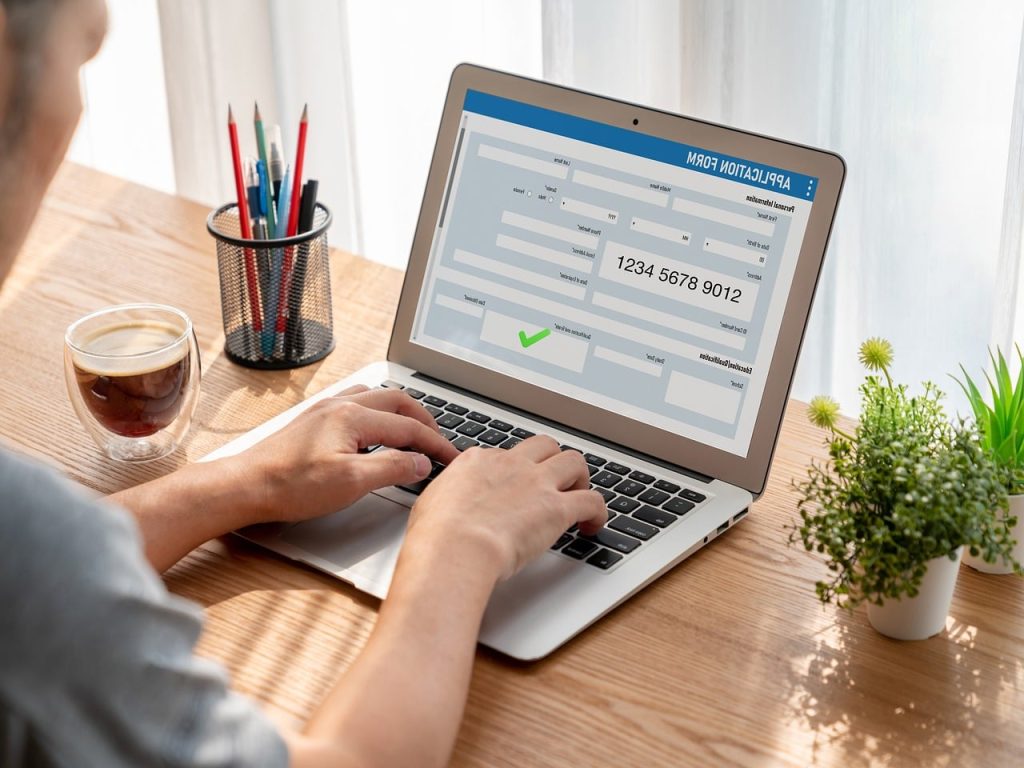
Our data is one of the most important things we possess. Various information can be used against us by unscrupulous people. The government and our banks warn us about fraud and how to protect ourselves, but how can we protect ourselves from online signups and any-size websites?
Sign-up pages can ask for a variety of information. Basic signups are username, password and e-mail. But some signups include address, telephone number and sometimes DOB.
There is a lot of information in long signup forms. Also, imagine what you have given? You have given your name, your address and postcode, also your DOB, mobile number and e-mail address.
Let’s start with a basic signup. Username and password are not really a problem. Any site you use that asks for a password over 8 characters is usually strong. Then there is just the email address to fill in, except for the terms and conditions and the website advertising button.
The email address is usually your email address, but this can lead to problems. You have given a website your email, and it could be subject to spam. Your junk box usually helps, but some spam can get into your inbox.
Even if you uncheck the checkbox not to receive adverts, you can still get them. But sometimes it’s better to protect your main email address by having a junk email address for signups.
There are many free email companies like Gmail, Hotmail, Mail.com and Proton Mail. They are all good, and don’t put your own name in the email address; make something up.
Now we have your name and address. This seems reasonable for an e-commerce website that is delivering something. But giving your name and address, DOB and mobile number to a website that offers free wallpaper downloads is a no-no.
Adding your mobile number to a form has become common on larger corporate websites. You currently cannot sign up for certain sites without a phone number.
The only idea we have is that phone handsets are cheap now, and with SIM cards from £2.50 a month, you can have a spare phone to store all your secondary internet numbers. Yes, we get spam on our phones, and you try getting rid of and blocking the messages.
The last point is the DOB field in a form. This is starting to appear on forms now. You must ask why and what use your DOB is, maybe for spam.
At the end of the day, you must read the privacy statement to find out how your data is used. If they sell it people can have a lot of information about you.