
Consumer
Get Any Email Address
Ever had a problem with an item or a service, and their customer services were useless and unhelpful, what can you do?


Ever had a problem with an item or a service, and their customer services were useless and unhelpful, what can you do? Who can you contact above the customer service? Sometimes it feels hopeless, but giving this a try could help.
You can trail through the business website for email addresses, but find nothing. Also in modern times, companies don’t want you to contact them and make it hard to find contact details on their websites.
First thing to do is check out the about us or our team pages. This is a great place to start. Somewhere, there will be a few names, but search out the directors. There is usually a picture of the person or director, their name and position within the company.
So, you need to pick a person or director to email, so as an example, we can say the managing director is John Smith. Ok, the company is called Acme, and its domain name is acme.com. The way middle-sized and big businesses issue their email addresses is in the standard format. The format is first name.surname@business.com. So, in this example, the director we want is john.smith@acme.com.
This simple formula is usable for external businesses and online businesses. We are not saying this will work. Most managing directors don’t receive email this way, but other directors do. Also, if you know someone in a business or in the health service, remember big businesses may have two employees with the same name, so be careful what you send. Don’t spam, as it’s not cricket.
So you sent the email, and has it gone through? If an email comes back straight away, check it for respondent not found. If you get this its not worked. If you don’t get an email back, it means it’s in their mailbox.
Keep trying, you will crack it one way or another.








Consoles
Has Sony Shot Themselves In The Foot
Who is to blame for the current crisis Sony has put themselves in, and will it all end in tears?
Almost any feud is distasteful and full of resentment. But who is to blame for the current crisis Sony has put themselves in, and will it all end in tears?
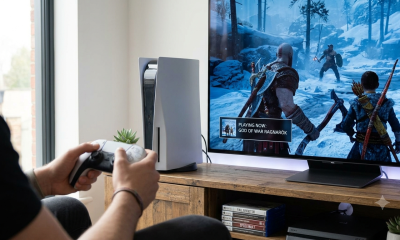
This all started when Sony stated it was not going to produce hard media after 2027. No more DVDs, just downloads of your favourite software games.
Sony argues that there are more people downloading digital content than people buying disc games. Sony also says it’s a natural progression moving to digital-only media.
When people bought the PS5, you had digital-only, disc drive and PRO versions. Now maybe it would have been a good time to introduce digital-only at the PS5’s launch.
If the PS5 had no disc versions at the start, it maybe would have been expected. Like any other company, sales of the PS5 were important at the beginning.
Due to a shortage of components, though, sales of the PS5 were slow for a while, and people had to wait months to get their hands on one.

So, we come down to why now?
One reason could be the imminent release of the game GTA6. This game has been in development for a year or so.
But this game will be digital only, and maybe Sony has looked at this format and made a decision. But there is more to it than meets the eye, and that’s MONEY.
If you buy the program or game digitally, the license is for one PlayStation username. Yes, the game is identical to the disc version, but the license is nontransferable.
This means when you buy a game, you cannot sell it. A non-transferable license is for the purchaser only.
So, looking at Rockstar Games and GTA 6, their quids in.
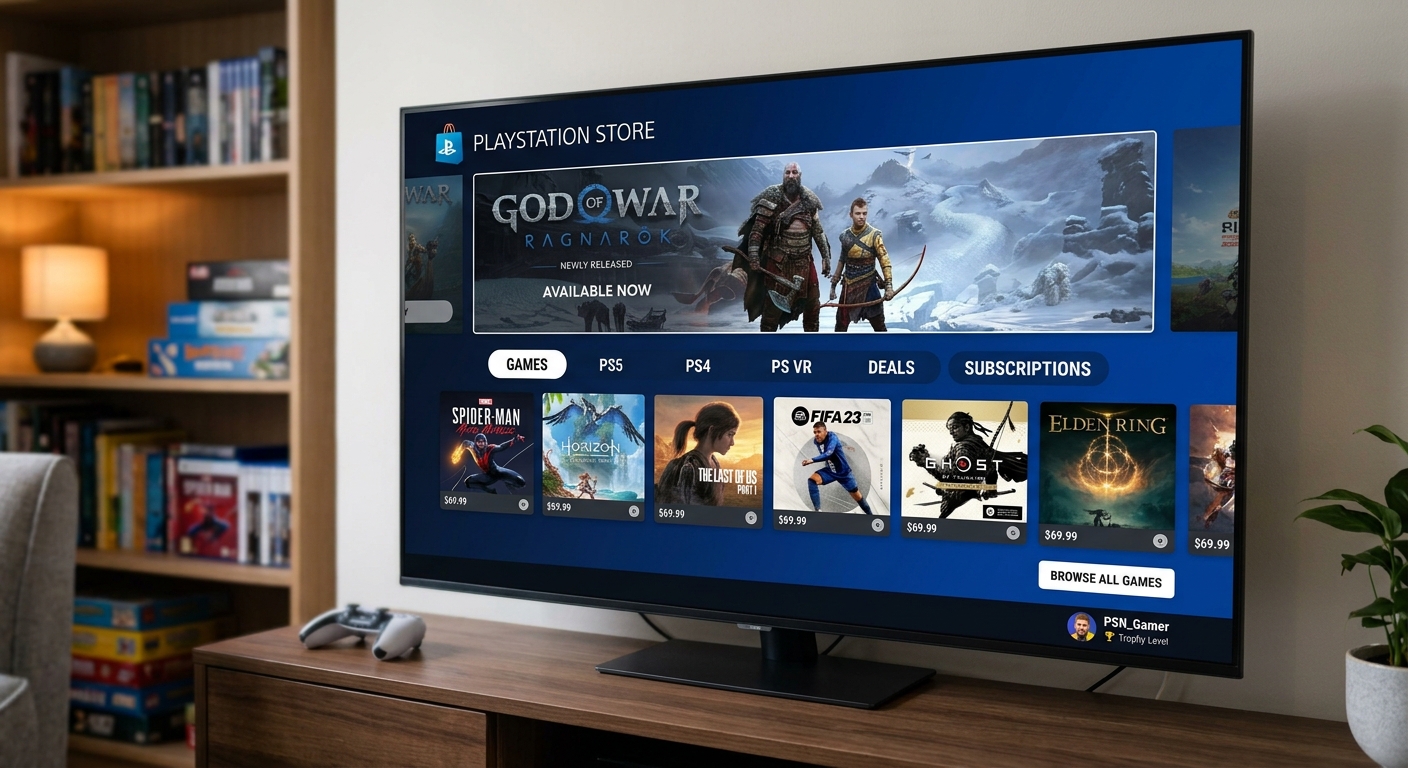
But look beyond GTA6, and you have the PlayStation Network, which has its own shop to sell digital downloadable games.
Here you can buy games, but some are expensive. Let’s look at an example. PlayStation Store sells Gran Turismo 7 for £69.99, yet on eBay a new disc version costs £31.90.
This is where the rip-off starts to show. It’s not even a few pence; it’s pounds.
But think of it. As soon as Sony makes all sales digital, the prices could rise, and there’s nothing you can do about it.
Owning a disc feels like you own the game. It gives you the opportunity to do as you wish, i.e. keep it, sell it or swap it.
All through life, we have seen mega corporate companies bully their clients just to make an extra buck.
But the most dangerous part of all this is that your digital game could be pulled by Sony at any time. They have done things like this before with the TV.
Our opinion is that this is down to greed over convenience or slimming down. The software houses beware, though, because the public are not going to buy rubbish games and be stuck with them. They just won’t buy them.

Consumer
Subscription and Contract Scams
Ever received a bill for a subscription you cannot remember getting or a lack of information in your bank statement?
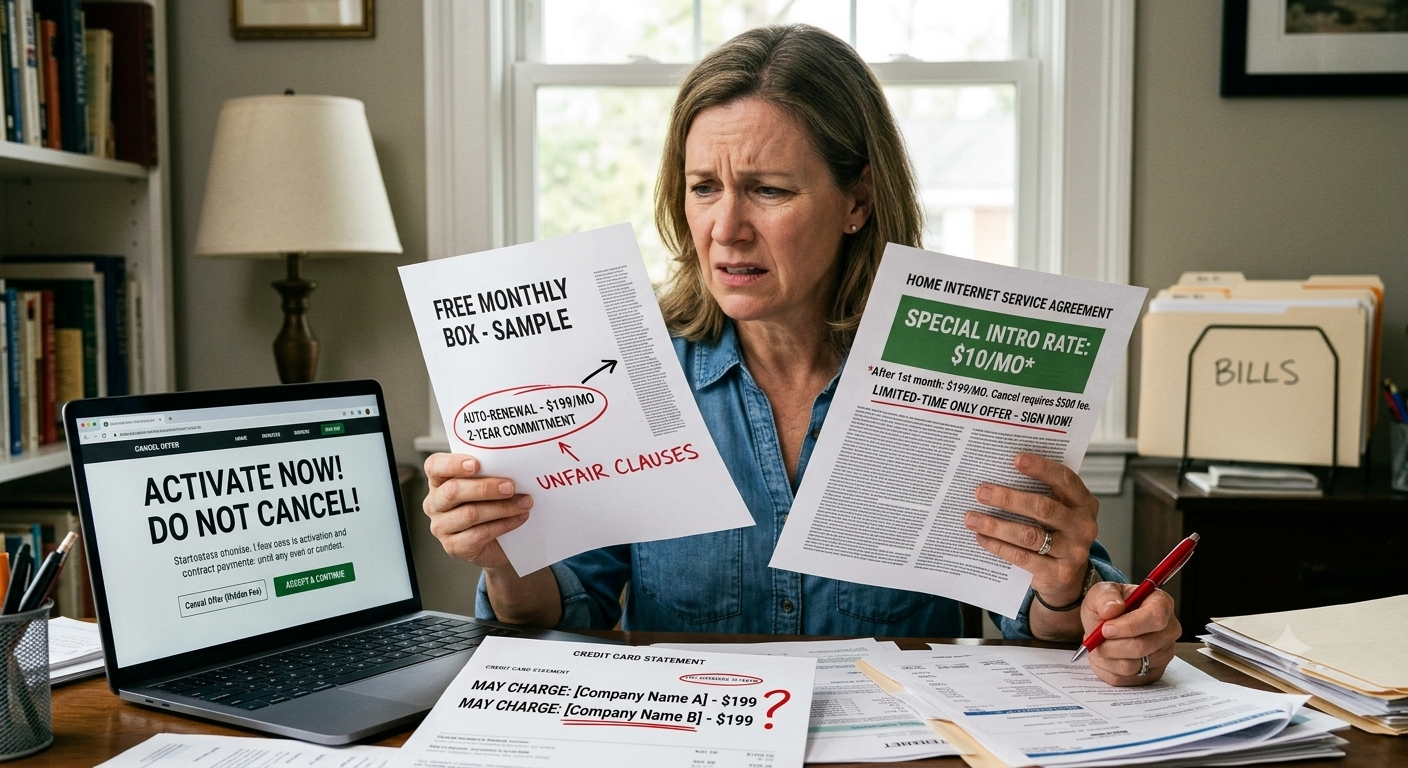
Ever received a bill for a subscription you cannot remember getting or a lack of information in your bank statement?
The money just keeps going out, and you have nothing to show for it. Doing any sort of business online these days is a minefield.
We have subscriptions for websites that sell anything from cat food to music download sites. Yes, it’s always important to check you’re not in a subscription contract.
When you sign up on some website for a trial run of software and music, you may be asked to enter your credit card details. This will then mean that after the trial, if you don’t cancel, they will take their money monthly or yearly.
But there are many scams that can subscribe to their financial system, like the car park QR code scam. You want to pay for parking and scan the QR code, which takes you to a sign-up page.
Enter your credit card details, and that’s it no parking, just subscribed to a rogue site. Within 5 mins, you have £50 or more taken on a monthly subscription. And how’s that, you wonder.
People go round car parks and stick their QR codes over the real ones so unsuspecting customers go to a scam site. BEWARE.
Subscription scams are deceptive recurring charges—often triggered by fake free trials, hidden fees, or fraudulent renewal notices—that quietly bill your account without clear consent.
They typically involve misleading signups, brand impersonation, impossible-to-cancel subscriptions, and they can lead to financial loss or even malware infections.
Steps To Protect Yourself
- Verify before paying: Only share payment details with trusted, official websites.
- Use official channels: Avoid third-party links or pop-ups that look like official offers.
- Set up payment alerts: Enable notifications for new subscriptions or changes to existing ones.
- Review your bank statements: Check for unfamiliar or high charges regularly.
- Unsubscribe immediately: If you spot a suspicious subscription, cancel it and contact your bank.
Another important thing is to check and read the contract and how to cancel the subscription thoroughly.
Remember, you get a certain amount of protection with a credit card over £120, but the company that has the subscription rights can still get payment details even if you change your card number.
The only way to stop payment is to close your account or cancel your credit card account sometimes.
The government is currently looking at this subject to stop people being ripped off by subscription scammers.
Consumer
Keeping Our Data Safe
Our data is one of the most important things we possess. Various information can be used against us by unscrupulous people.

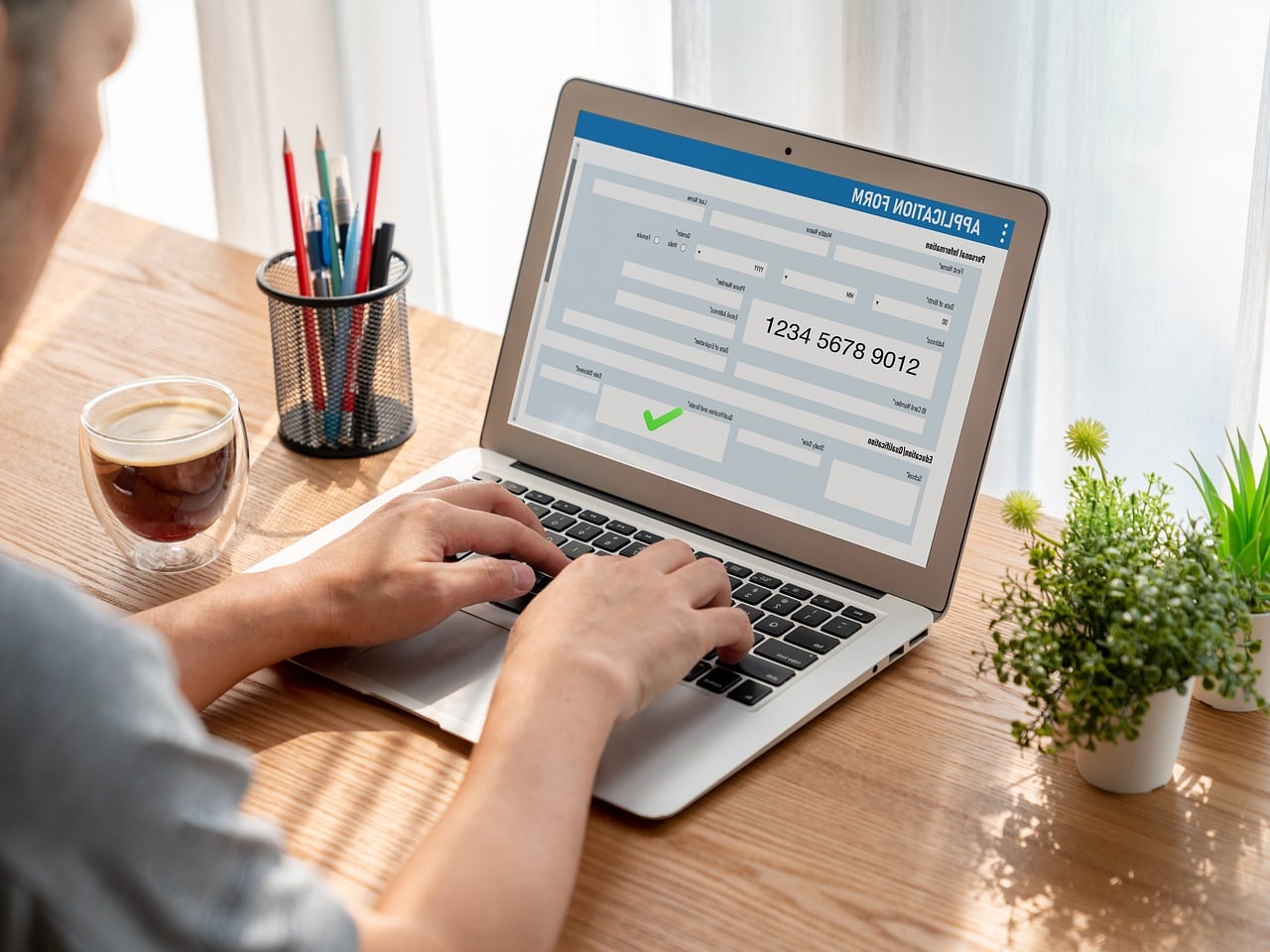
Our data is one of the most important things we possess. Various information can be used against us by unscrupulous people. The government and our banks warn us about fraud and how to protect ourselves, but how can we protect ourselves from online signups and any-size websites?
Sign-up pages can ask for a variety of information. Basic signups are username, password and e-mail. But some signups include address, telephone number and sometimes DOB.
There is a lot of information in long signup forms. Also, imagine what you have given? You have given your name, your address and postcode, also your DOB, mobile number and e-mail address.
Let’s start with a basic signup. Username and password are not really a problem. Any site you use that asks for a password over 8 characters is usually strong. Then there is just the email address to fill in, except for the terms and conditions and the website advertising button.
The email address is usually your email address, but this can lead to problems. You have given a website your email, and it could be subject to spam. Your junk box usually helps, but some spam can get into your inbox.
Even if you uncheck the checkbox not to receive adverts, you can still get them. But sometimes it’s better to protect your main email address by having a junk email address for signups.
There are many free email companies like Gmail, Hotmail, Mail.com and Proton Mail. They are all good, and don’t put your own name in the email address; make something up.
Now we have your name and address. This seems reasonable for an e-commerce website that is delivering something. But giving your name and address, DOB and mobile number to a website that offers free wallpaper downloads is a no-no.
Adding your mobile number to a form has become common on larger corporate websites. You currently cannot sign up for certain sites without a phone number.
The only idea we have is that phone handsets are cheap now, and with SIM cards from £2.50 a month, you can have a spare phone to store all your secondary internet numbers. Yes, we get spam on our phones, and you try getting rid of and blocking the messages.
The last point is the DOB field in a form. This is starting to appear on forms now. You must ask why and what use your DOB is, maybe for spam.
At the end of the day, you must read the privacy statement to find out how your data is used. If they sell it people can have a lot of information about you.

Premier League Matchday 8

November PlayStation Plus Lineup


