Internet
Free to use SEO websites


Looking to get better placement in the search engines, this can be a costly thing, even running into thousands. Do you need to find free-to-use SEO websites?
How do you know your site is at an optimum for search engine placement? Getting it ready, you could have the nicest site in the world, but no visitors.
Some people spend thousands on adverts, but as soon as they stop paying and their ads dry up, they have no visitors. No one can really promise to get you to the top of the rankings.
Sometimes, finding a site to check your website for correct formatting can be hard. We have found a few sites that you can use for free to start getting your SEO right.
Get a rating and explanation from some of these sites to correctly format your website for optimal indexing.
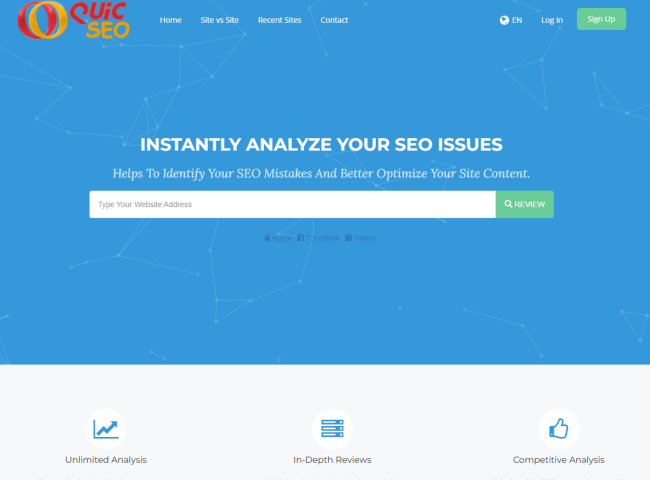
We start with Quik SEO
With quicseo.com, you can do a review of your site directly from this site’s homepage and get a result instantly. If you join, you can keep a record of your site and look back at it any time.
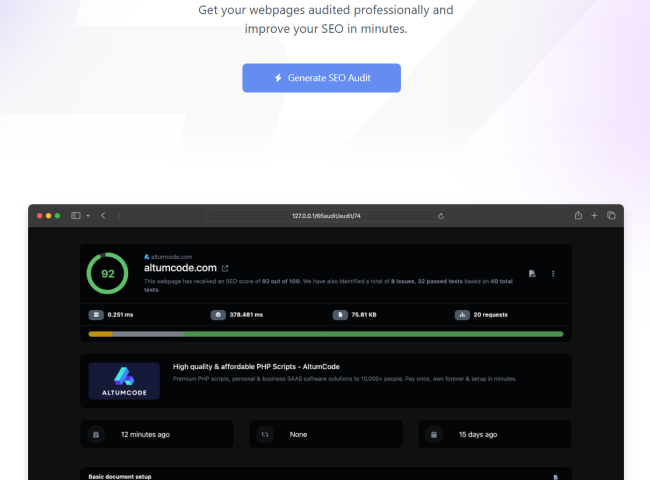
Then we have Let’s Check SEO
Sign up and use the letscheckseo.com site for free and check your website for an SEO score. Very easy to use with a great scoring system.
MG9
MG9.co.uk is an information site to give you some idea of how to improve your rankings. With easy-to-use articles, you can get your search engine optimisation right.
Just the smallest mistakes in your title or Meta description can stop search engines from indexing your website. We have to say you cannot afford to allow Google not to index you as high as possible.
Search engines like Google, Bing and Yandex are getting stricter on their rules to index sites. Getting it right is a must, and using any free resource is perfect.



Computers
The Advantages and Disadvantages of Using a VPN
Virtual Private Networks VPN or (VPNs) have become a go‑to tool for anyone looking to boost their online privacy, access restricted content, or secure their connection on the move

Virtual Private Networks (VPNs) have become a go‑to tool for anyone looking to boost their online privacy, access restricted content, or secure their connection on the move. But like any technology, VPNs come with both strengths and limitations. Here’s a quick look at the key advantages and disadvantages to help you decide whether a VPN is right for you.
Advantages of Using a VPN
- Enhanced Privacy and Security: A VPN encrypts your internet traffic, making it far harder for hackers, advertisers, or even your internet provider to track what you’re doing online. This is especially useful when using public Wi‑Fi networks.
- Access to Geo‑Restricted Content: Whether it’s streaming services, sports events, or websites blocked in certain regions, a VPN can help you bypass location restrictions by routing your connection through servers in other countries.
- Protection Against ISP Throttling: Some internet providers slow down your connection when you stream or download large files. A VPN hides your activity, reducing the chance of throttling.
- Improved Online Anonymity: By masking your IP address, a VPN helps keep your identity and location private, adding an extra layer of anonymity to your browsing.
Disadvantages of Using a VPN
- Potential Speed Reduction: Because your data is being encrypted and routed through a remote server, VPNs can sometimes slow down your internet connection—especially if the server is far away or overloaded.
- Not All VPNs Are Trustworthy: Free VPNs often come with risks: weak security, data logging, or even selling user information. Choosing a reputable provider is essential.
- Some Services Block VPN Traffic: Streaming platforms, banks, and certain websites actively detect and block VPN usage, which can limit access even when you’re using a legitimate connection.
- Costs for Premium Services: The most secure and reliable VPNs usually require a subscription, which may not appeal to casual users who only need occasional protection.
Final Thoughts
A VPN can be a powerful tool for privacy, security, and freedom online—but it’s not a magic shield. Understanding both the benefits and the drawbacks helps you make a smarter choice about when and how to use one. For many people, a good VPN is worth it; for others, built‑in browser security or a secure home network may be enough.
Consumer
Keeping Our Data Safe
Our data is one of the most important things we possess. Various information can be used against us by unscrupulous people.

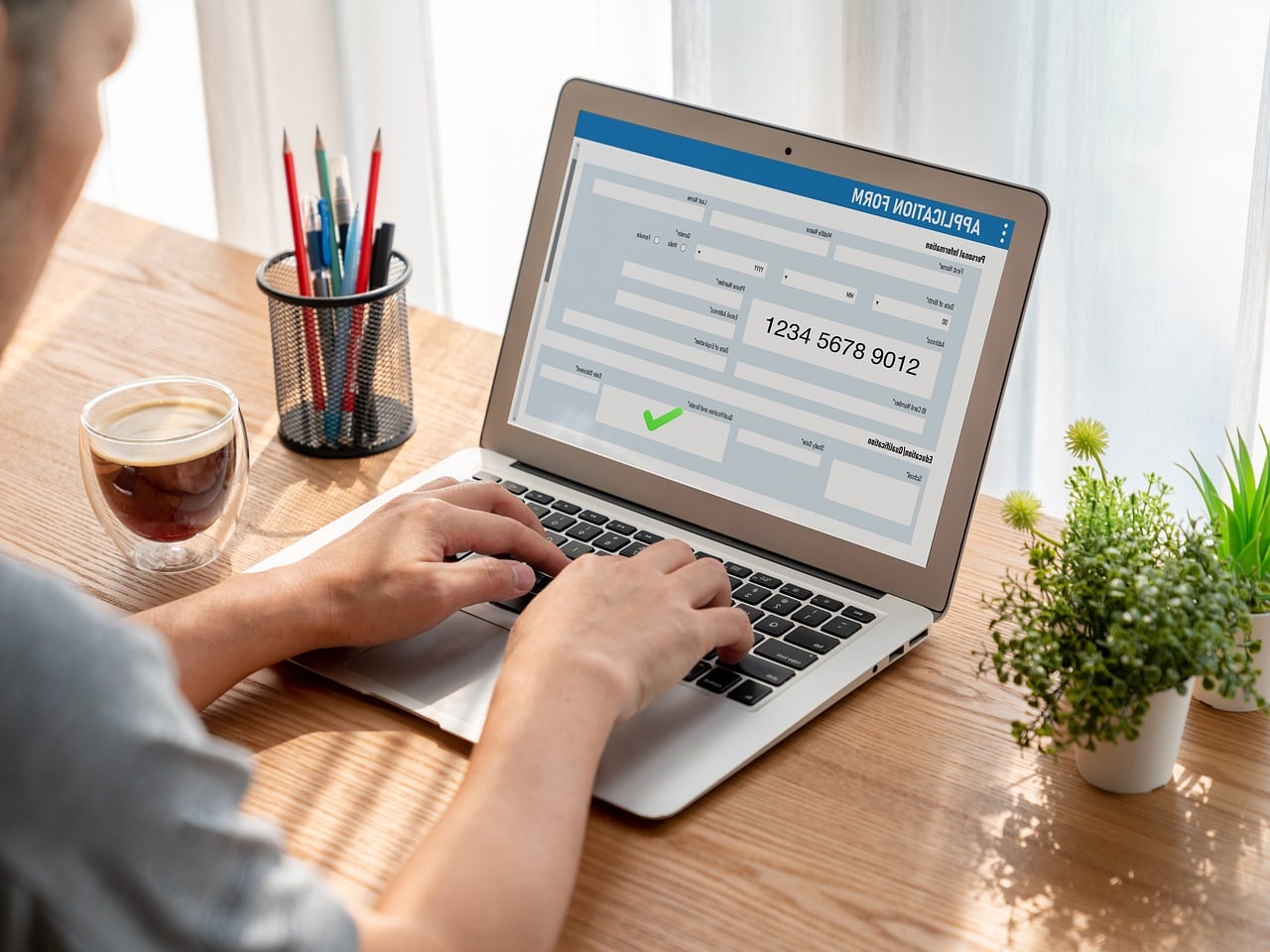
Our data is one of the most important things we possess. Various information can be used against us by unscrupulous people. The government and our banks warn us about fraud and how to protect ourselves, but how can we protect ourselves from online signups and any-size websites?
Sign-up pages can ask for a variety of information. Basic signups are username, password and e-mail. But some signups include address, telephone number and sometimes DOB.
There is a lot of information in long signup forms. Also, imagine what you have given? You have given your name, your address and postcode, also your DOB, mobile number and e-mail address.
Let’s start with a basic signup. Username and password are not really a problem. Any site you use that asks for a password over 8 characters is usually strong. Then there is just the email address to fill in, except for the terms and conditions and the website advertising button.
The email address is usually your email address, but this can lead to problems. You have given a website your email, and it could be subject to spam. Your junk box usually helps, but some spam can get into your inbox.
Even if you uncheck the checkbox not to receive adverts, you can still get them. But sometimes it’s better to protect your main email address by having a junk email address for signups.
There are many free email companies like Gmail, Hotmail, Mail.com and Proton Mail. They are all good, and don’t put your own name in the email address; make something up.
Now we have your name and address. This seems reasonable for an e-commerce website that is delivering something. But giving your name and address, DOB and mobile number to a website that offers free wallpaper downloads is a no-no.
Adding your mobile number to a form has become common on larger corporate websites. You currently cannot sign up for certain sites without a phone number.
The only idea we have is that phone handsets are cheap now, and with SIM cards from £2.50 a month, you can have a spare phone to store all your secondary internet numbers. Yes, we get spam on our phones, and you try getting rid of and blocking the messages.
The last point is the DOB field in a form. This is starting to appear on forms now. You must ask why and what use your DOB is, maybe for spam.
At the end of the day, you must read the privacy statement to find out how your data is used. If they sell it people can have a lot of information about you.

Premier League Matchday 8

November PlayStation Plus Lineup


You must be logged in to post a comment Login